IPTV Channels With No Sound? It’s Probably Dolby. Here’s the Fix

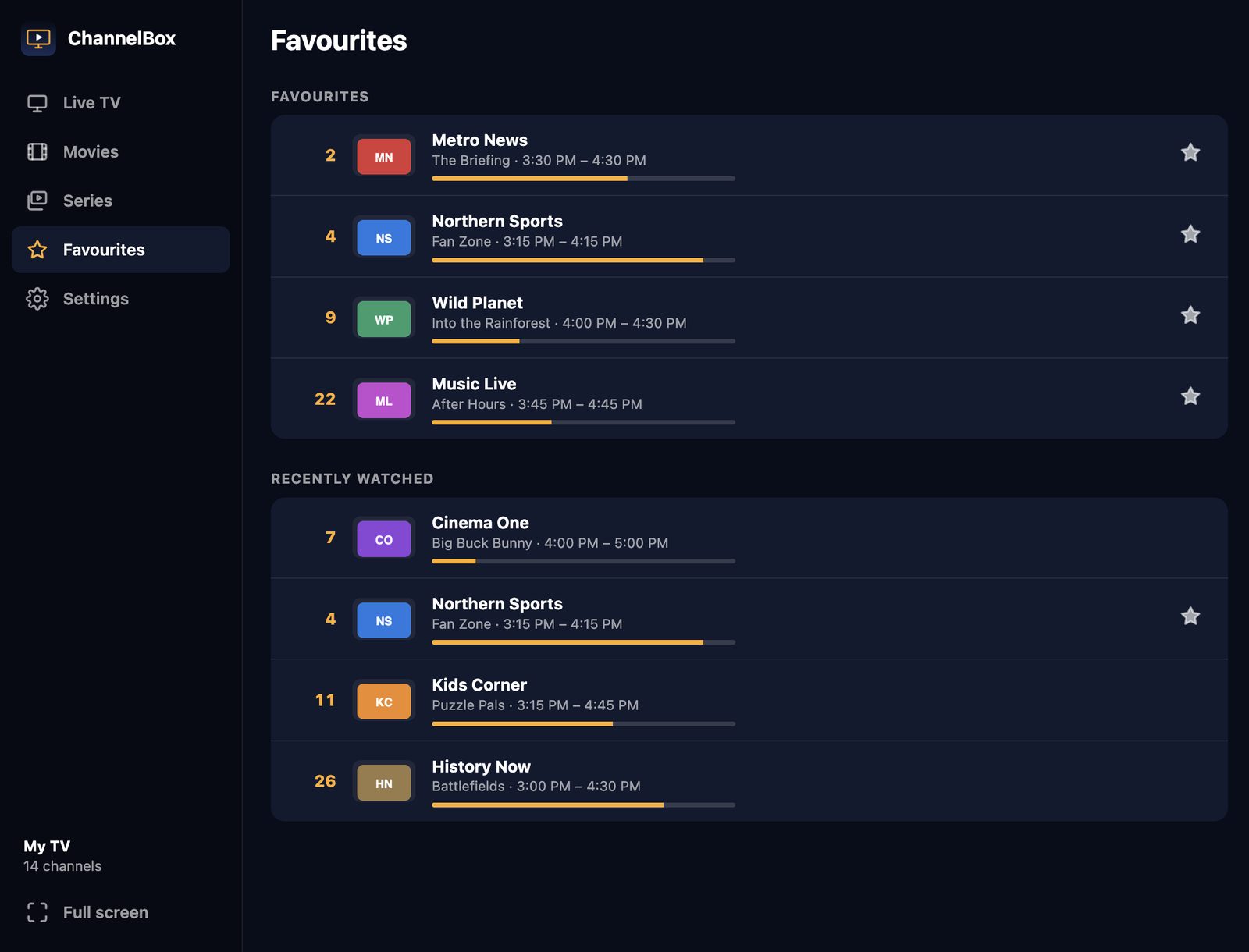
Here’s a weird one. Most of your IPTV channels are fine. But a few, often sports, movie channels and US networks, play the picture perfectly with no sound at all.
It’s not your speakers and it’s not the provider’s fault. It’s almost always Dolby.
Why some IPTV channels are silent
A TV channel sends its sound in a format, just like a song can be an MP3 or a WAV. Most IPTV channels use AAC, which every device can play. But many channels, especially ones that come straight from broadcast TV, send Dolby Digital (AC-3) or Dolby Digital Plus (E-AC-3).
Playing Dolby needs a licensed decoder. TV boxes and soundbars have one. But many computer players, especially ones built on web-browser technology, don’t. They play the picture, find sound they can’t decode, and carry on in silence.
How to tell if it’s Dolby
- Only some channels are silent, and always the same ones.
- Those same channels have sound on your TV box or in VLC.
- The channel name sometimes includes “5.1”, “DD” or “Dolby”.
4 ways to fix IPTV with no sound
1. Switch the audio track
Some channels carry two sound tracks: Dolby and a plain stereo one. If your player has an audio track menu, try the other track.
2. Ask your provider for a stereo version
Some providers carry the same channel twice, one with Dolby and one with AAC sound. It’s worth asking.
3. Watch that channel in VLC
VLC has its own Dolby decoder, so silent channels usually play with sound there. The downside is no TV guide, no channel numbers and a lot of switching between apps. (More in VLC for IPTV.)
4. Use an IPTV player that converts Dolby for you
This is the one I built into ChannelBox. When a channel’s sound is Dolby, ChannelBox notices and converts it on your own computer into a format it can play, so you just hear it. You don’t change any settings and you don’t install anything extra.
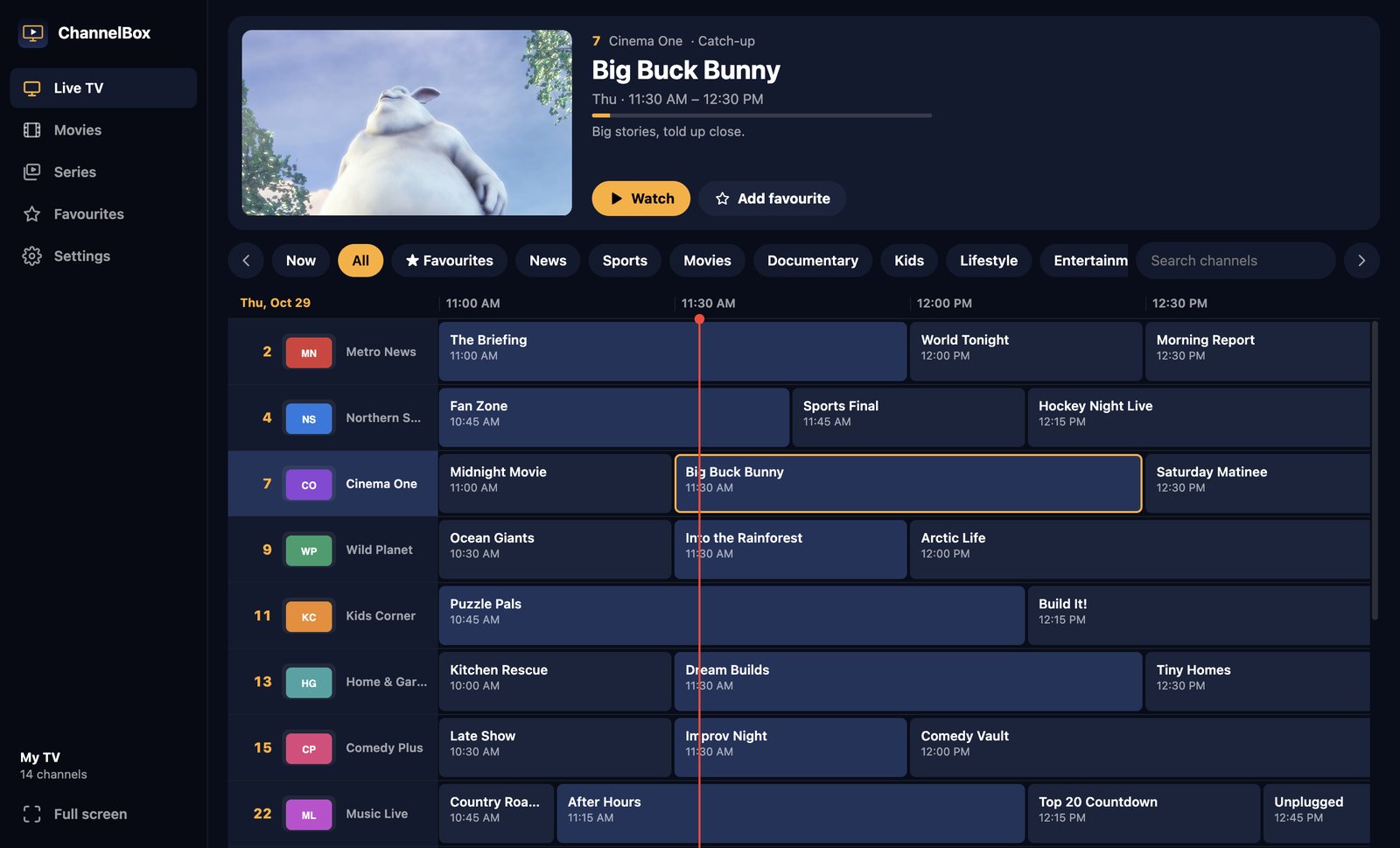
It works on both Windows and Mac, and the conversion runs on your computer, so nothing is sent anywhere else.
Other reasons for no sound on IPTV
If every channel is silent, it’s probably not Dolby. Check:
- The player’s own volume and mute button.
- Your computer’s sound output (it may be sending sound to a monitor or Bluetooth device).
- Whether a different app plays sound. If nothing does, restart the computer.
Try ChannelBox: a cable-style TV guide, a 15-second anti-freeze cushion and Dolby sound that works, for Windows and Mac. $36 USD once, no subscription →
Frequently asked questions
Why do some IPTV channels have no sound?
How do I fix AC-3 audio not playing on IPTV?
Does ChannelBox play Dolby IPTV channels?
Need a website that actually brings in work?
I build fast, modern sites for trades and local businesses across Kitchener-Waterloo.
Get in touch