IPTV Smarters on Mac or PC: A Better Alternative With a Real TV Guide

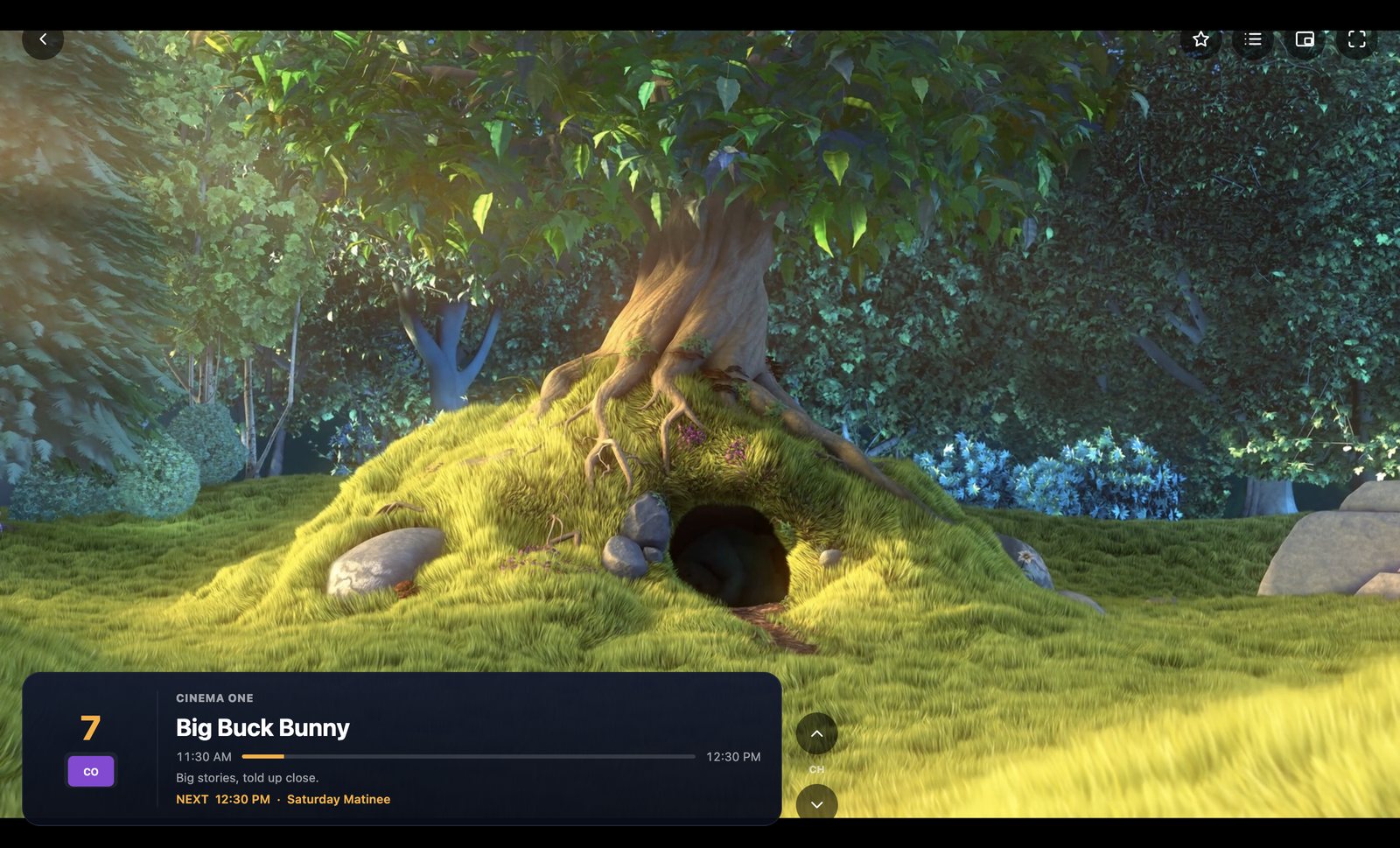
Sign up with almost any IPTV provider and the welcome email says the same thing: download IPTV Smarters. It’s free, it’s everywhere, and it gets you watching.
But a lot of people end up searching for an alternative, especially on a computer. Usually it’s one of three reasons: the channel list is hard to browse, channels freeze, or some channels have no sound.
Full disclosure: I’m Jerry, and I make ChannelBox. I’ve tried to be fair to the other players, and I’ll tell you when one of them is the better pick.
What IPTV Smarters does well
- It’s free and providers know how to support it.
- It handles Xtream Codes logins, live TV, movies and series.
- There are versions for phones, TV boxes and computers.
If it’s working for you, there’s nothing wrong with sticking with it.
Where people get stuck on a computer
1. Browsing feels like scrolling a spreadsheet
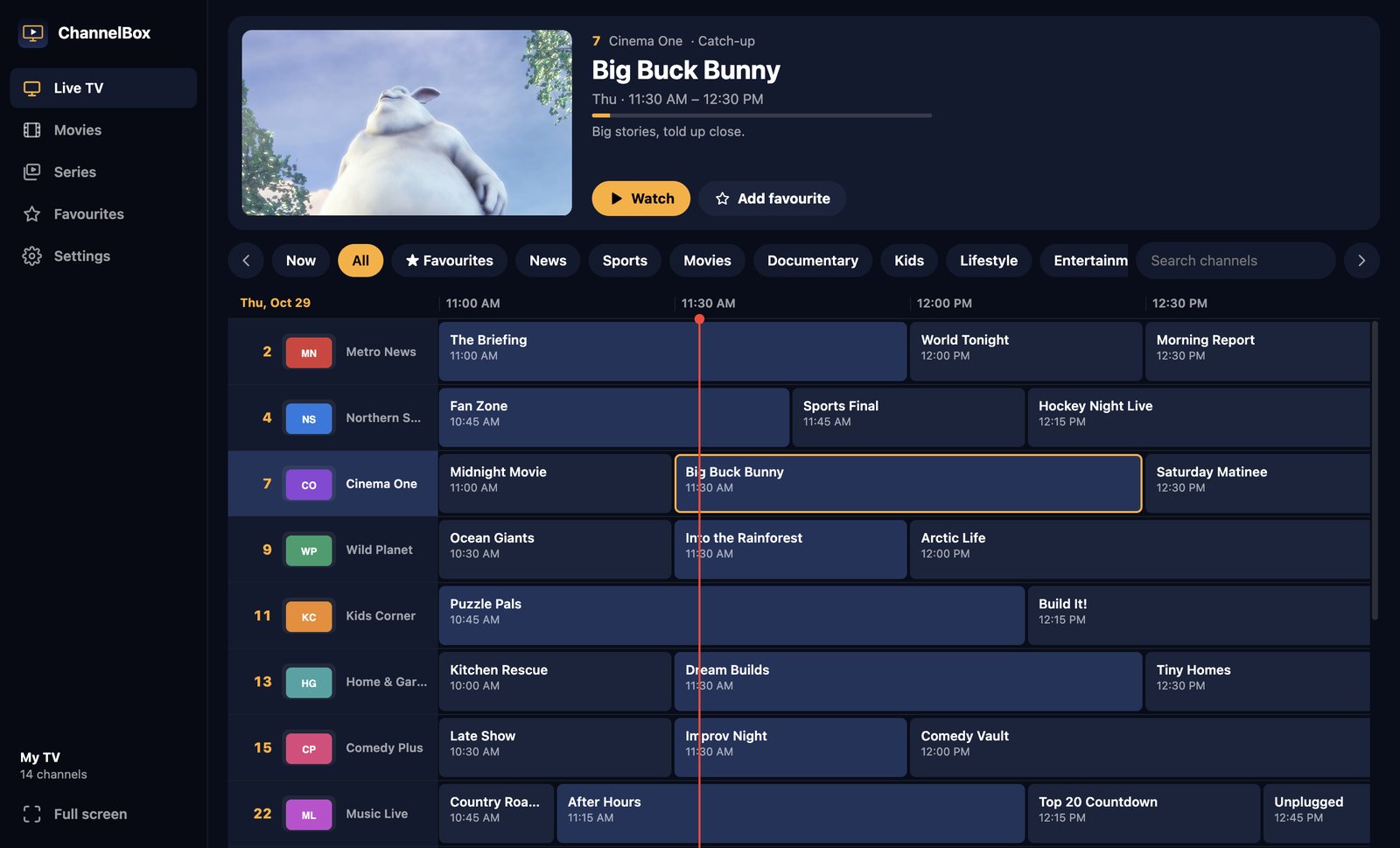
Most IPTV apps show live TV as category lists: pick a group, scroll a long list of names. With a big provider that’s thousands of channels. Cable solved this decades ago with the grid guide: channels down the side, time across the top, so you see what’s on everywhere at once.
2. Freezing every few minutes
Most freezes are short gaps from the provider: a second or two where the stream stutters. A player that keeps only a tiny buffer shows every one of those gaps as a freeze. ChannelBox keeps about 15 seconds stored ahead, so a short gap uses up some of the cushion instead of freezing the picture. (More on that in how to fix IPTV buffering on PC and Mac.)
3. Channels with no sound
Many channels send Dolby Digital (AC-3) or Dolby Digital Plus (E-AC-3) sound. Lots of computer players can’t decode it, so the picture plays and the sound is silent. ChannelBox spots this and converts the sound on your computer. I wrote a whole post on it: IPTV channels with no sound.
IPTV Smarters vs ChannelBox
| Feature | IPTV Smarters | ChannelBox |
|---|---|---|
| Price | Free | $36 USD once |
| Xtream Codes and M3U | Yes | Yes |
| Cable-style grid guide with live preview | Mostly lists | Yes |
| Anti-freeze cushion | Standard buffer | About 15 seconds |
| TV guide pulled in and refreshed by itself | From Xtream logins | Yes, every 12 hours |
Switching takes two minutes
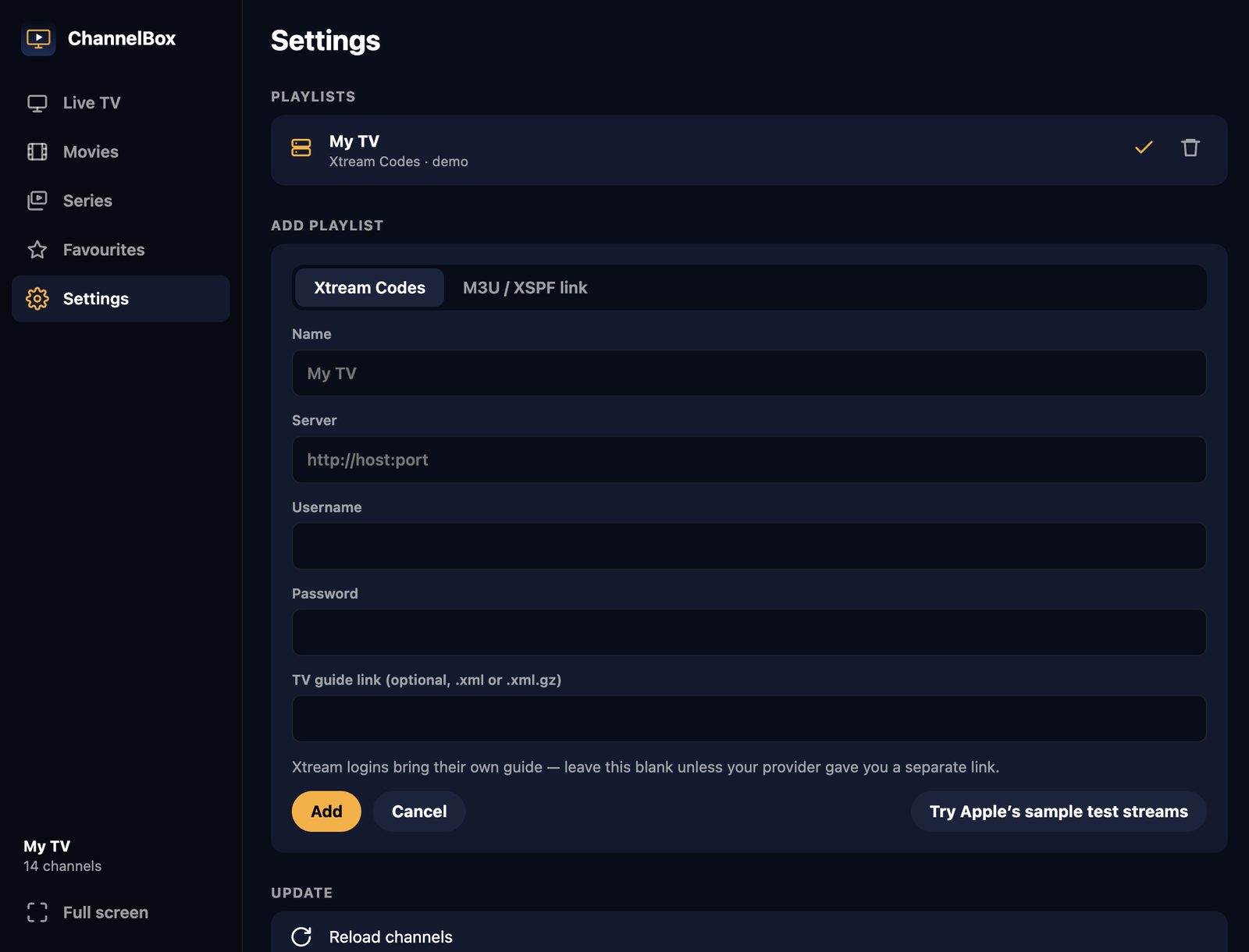
You don’t change providers. Use the same Xtream Codes login (server, username, password) or M3U link you put into IPTV Smarters. ChannelBox brings in your channels, logos, TV guide, movies, series and catch-up in one step.
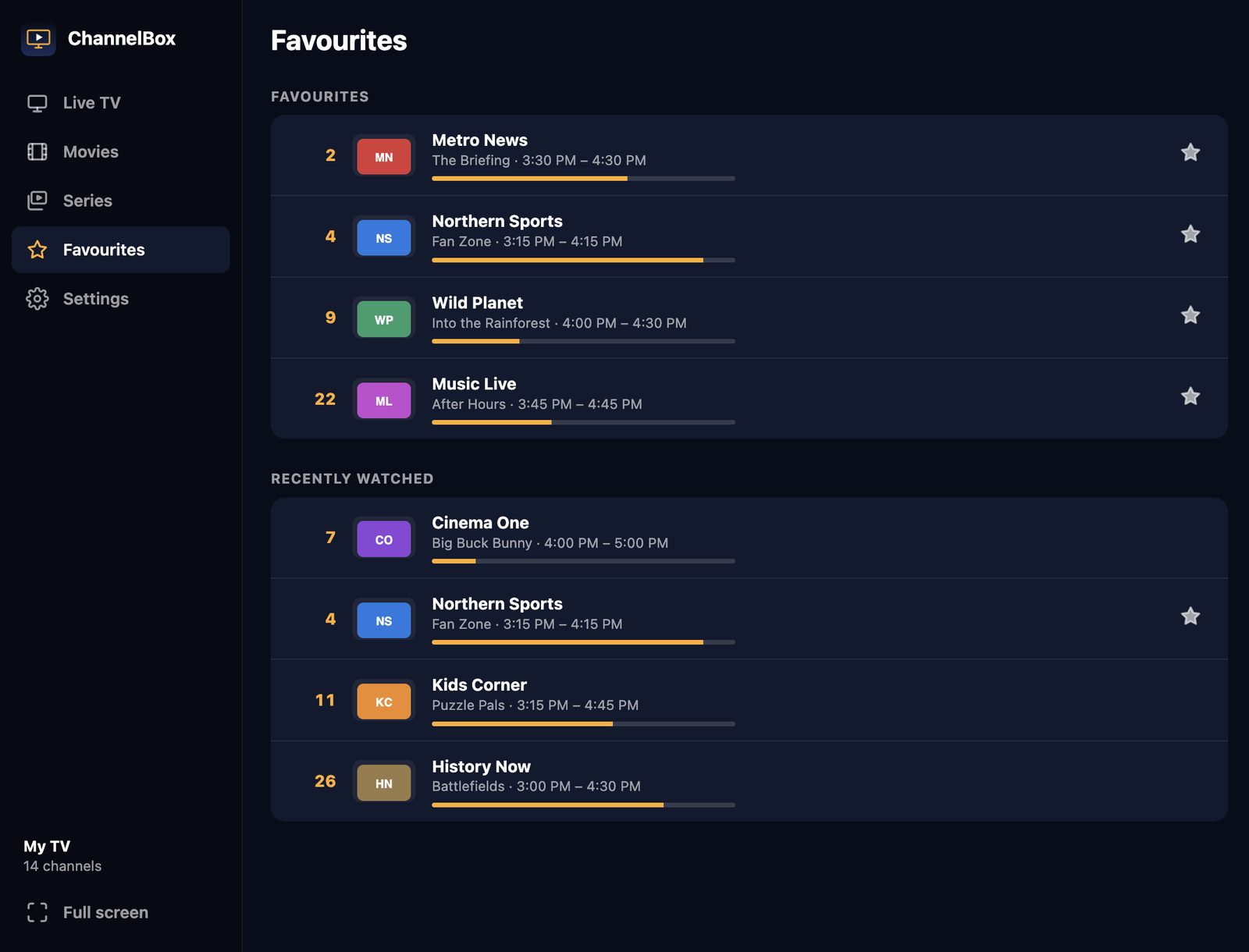
Then star the channels you actually watch and they get their own page and their own filter in the guide.
Try ChannelBox: a cable-style TV guide, a 15-second anti-freeze cushion and Dolby sound that works, for Windows and Mac. $36 USD once, no subscription →
Frequently asked questions
Is there a better IPTV player than IPTV Smarters for Mac?
Can I use my IPTV Smarters login in another app?
Will using two apps get my account blocked?
Need a website that actually brings in work?
I build fast, modern sites for trades and local businesses across Kitchener-Waterloo.
Get in touch